Step 1
Choose how you'd like to pay
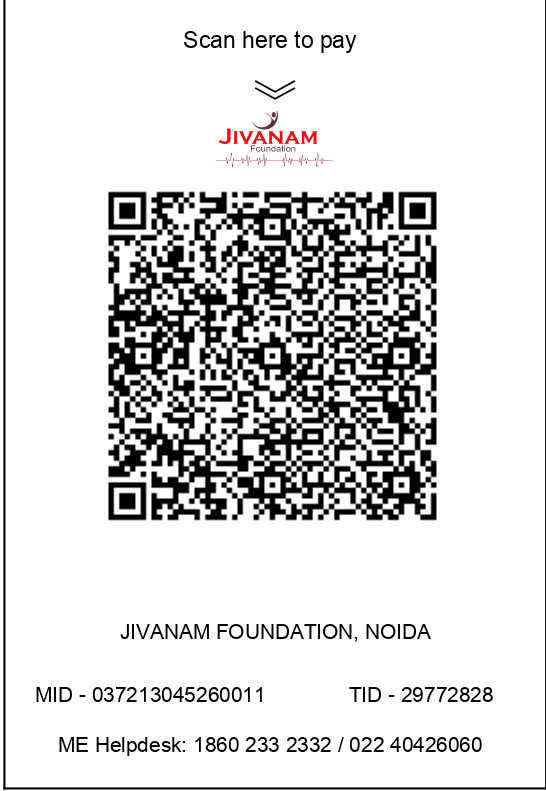
JIVANAM FOUNDATION, NOIDA
MID: 037213045260011 · TID: 29772828ME Helpdesk: 1860 233 2332 / 022 40426060
Scan & pay in seconds
Works with every UPI and banking app in India.
- Open GPay, PhonePe, Paytm, BHIM or your bank's app
- Tap "Scan QR" and point at the code
- Enter any amount and complete the payment
- Note your Transaction ID / UTR and take a screenshot
- Fill the confirmation form below to get your 80G receipt
Pay directly to our UPI ID
Copy the official UPI ID of Jivanam Foundation (Axis Bank merchant account) and pay from any app.
MAB.037213045260011@axisbank
Google PayPhonePePaytmBHIMAmazon Pay
- Open your UPI app and choose "Pay to UPI ID / VPA"
- Paste MAB.037213045260011@axisbank
- Verify the name shows Jivanam Foundation
- Enter the amount and pay
- Submit your Transaction ID & screenshot in the form below
Donate in cash or by cheque
Visit our office — we'll hand you a stamped receipt on the spot. Cheques should be drawn in favour of "Jivanam Foundation".
- Call +91 93109 69057 to confirm a convenient time
- Visit: G-13, 1st Floor, Sector 6, Noida (201301)
- Office hours: Mon–Sat, 10:00 AM – 6:00 PM
- Collect your signed & stamped 80G receipt immediately